
MTEL TV: Watch TV on all your devices | MTEL Switzerland
MTEL TV on all your devices

How can I start the MTEL TV experience?
It's easy! Via the MTEL TV App or the Set-Top Box.
With the MTEL TV App you can stream your favourite shows on Smart TV, Apple TV, tablet or smartphone. Alternatively, you can connect the Set-Top Box to a regular TV.
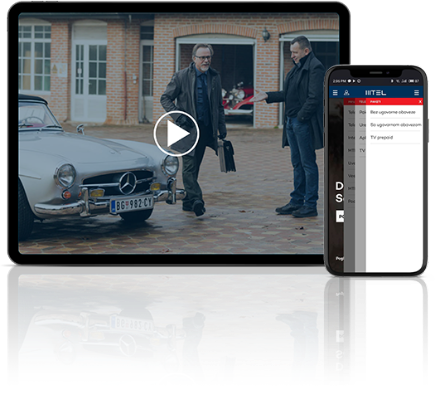
Smartphone & Tablet
Watch MTEL TV anytime, anywhere on your smartphone or tablet. Download the MOVE App for your device and start your MTEL TV experience.
Available for supported iOS and Android devices.
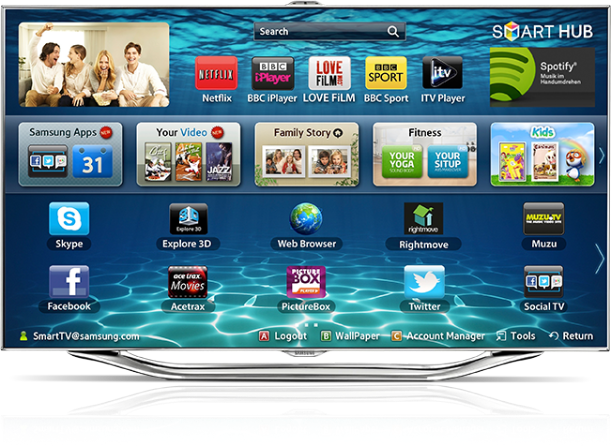
Samsung Smart TV
If you own a newer-generation Samsung Smart TV from 2019 onwards, you can easily download and install the MOVE App from the Smart Hub.
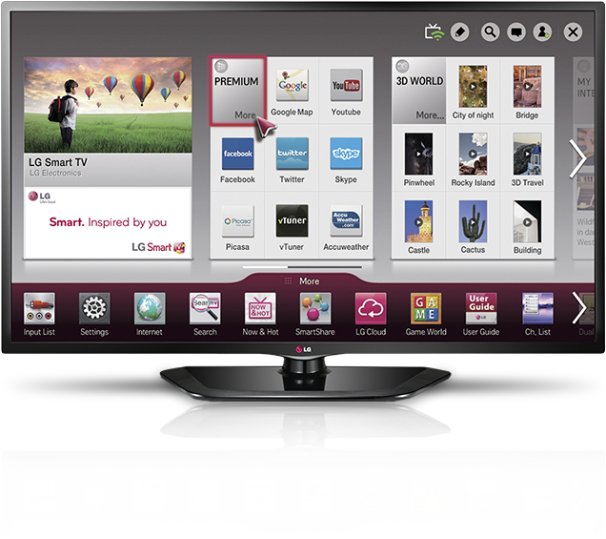
LG Smart TV
If you own a newer-generation LG Smart TV, you can easily download and install the MOVE App from the LG Content Store.
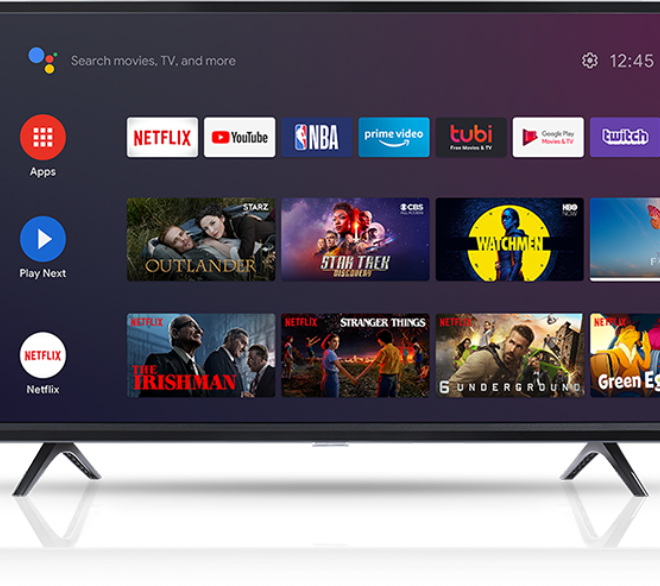
Android TV
Have a Sony, Philips, Sharp or Hisense Android TV? Then you can install the MOVE App directly on your TV and enjoy MTEL TV conveniently through the app.
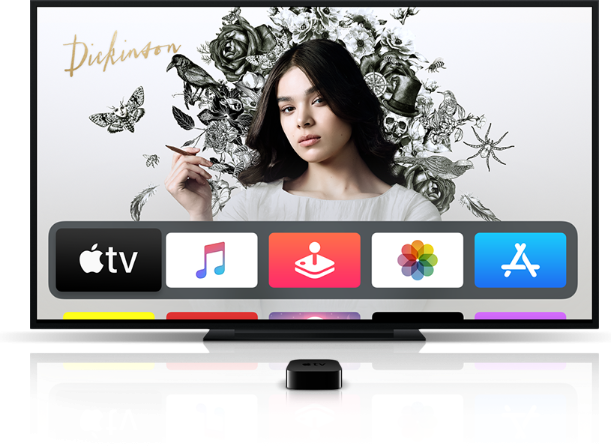
Apple TV
With Apple TV you can also enjoy your favourite shows directly on your television. Install the MOVE App on your compatible Apple TV and sign in with your login details.
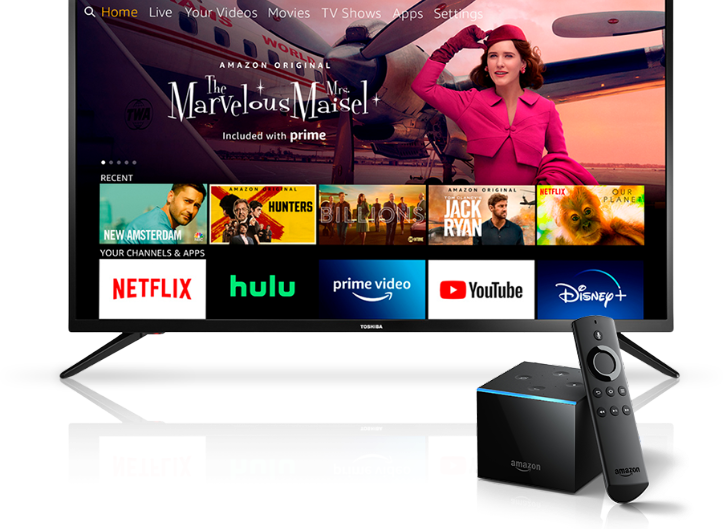
Amazon Fire TV
With a third-generation or newer Amazon Fire TV, you can download the MOVE App and enjoy MTEL TV directly on your television.
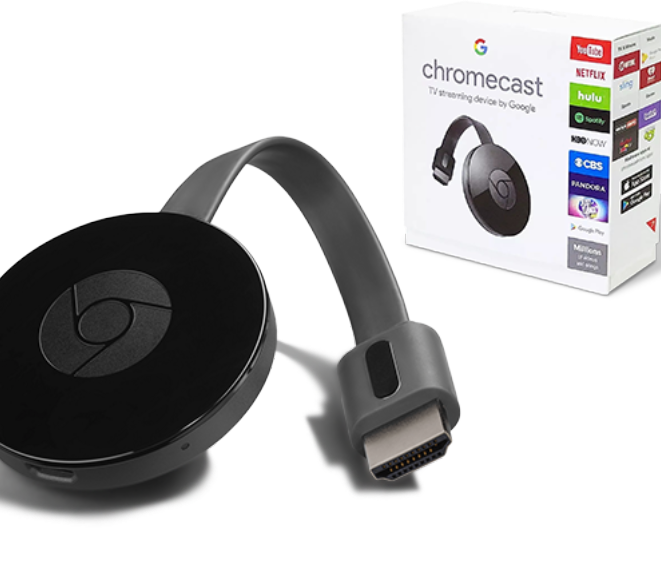
Chromecast
With Chromecast, you can also enjoy MTEL TV content playing on your smartphone or tablet on your television screen.
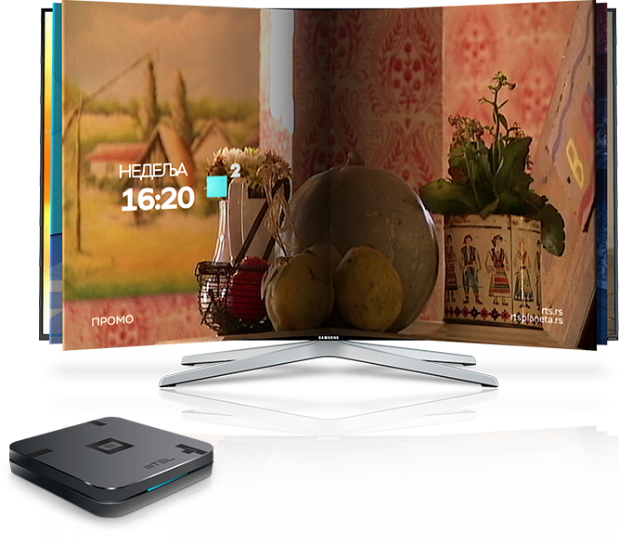
MOVE Box
The MOVE Box is a small, practical device that's easy to install and use. It turns even a TV without smart features into an MTEL TV – with excellent picture quality and clear sound.
One account – all your devices
Use MTEL TV flexibly across your supported devices and enjoy your favourite channels and content with MOVE.
FAQ
How do I get MTEL TV?
In all MTEL shops, via our online shop at mtel.ch, as well as over the phone through our call centre on tel. +41784747470.
Where can I find the list of TV channels?
You can find all channels on offer here.
Does MTEL black out certain content?
Yes. MTEL reserves the right to “black out” content that we do not have any rights to broadcast on Swiss territory.
Can I also stream MTEL TV to my laptop?
Yes, you can stream MTEL TV on your laptop, TV, tablet, or mobile phone.
It is possible to try out MTEL TV?
Yes, we only need your first and last names, date of birth, address and phone number so that we can set up a promotional account.
Do I need an internet connection in order to stream MTEL TV?
Yes. MTEL TV is streamed over the internet.
What is the recommended internet speed for MTEL TV?
The recommended internet speed is between 15 and 20 MB/s and a stable internet connection is very important.
Which devices can I stream MTEL TV on?
Via the MTEL TV app, a smart TV, an Amazon Firestick, Chromecast or a tablet.
We are here to help
We are here to help